Sign in to Jeeto11.
A practical note on Jeeto11 sign-in: phone-number-based one-time password, the web login flow, and the recovery path if the OTP does not arrive.
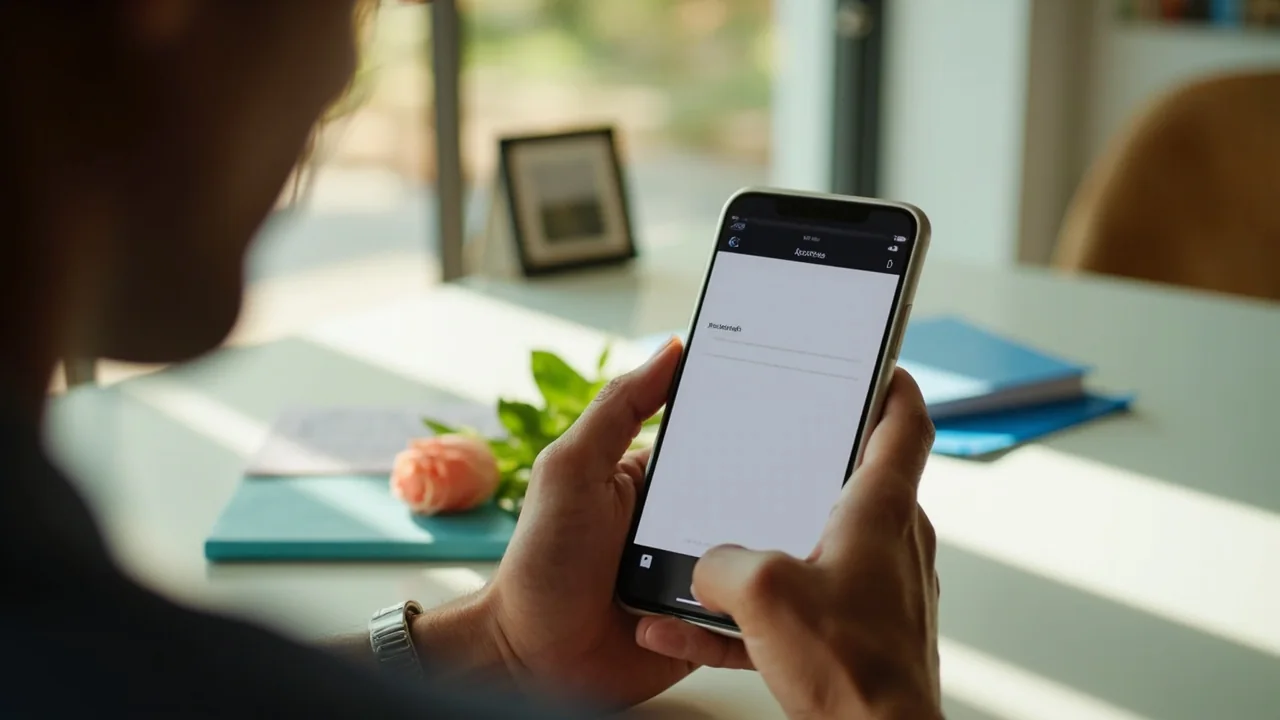
A practical note on Jeeto11 sign-in: phone-number-based one-time password, the web login flow, and the recovery path if the OTP does not arrive.
Sign-in is phone-number-based. Open the app, enter your registered phone number, and request a one-time password. The OTP arrives by SMS within 60 seconds on Indian carriers. Enter the OTP to complete sign-in.
If you have a password set, you can sign in with the phone number and password instead of the OTP. The OTP is the recommended flow because it does not require the user to remember a password.
Biometric sign-in (fingerprint or face) is available on devices that support it. Enable it from Settings → Security after your first successful sign-in.
The web sign-in is the same phone-number-based OTP flow. Open the Jeeto11 web sign-in, enter your phone number, request the OTP, and enter the OTP to complete sign-in.
Once signed in on the web, the session is shared across browsers on the same device for 30 days, unless you sign out manually. The session is bound to the device fingerprint; signing in from a new device requires a fresh OTP.
If the OTP does not arrive within 60 seconds, the most common causes are:
If none of the above applies, contact Customer Care. The desk recommends using the in-app channel because it carries the device fingerprint and the account ID.
The OTP is single-use and expires in 5 minutes. The OTP cannot be reused after a successful sign-in. If you suspect your OTP has been intercepted, change your password immediately and contact Customer Care.
Biometric sign-in is bound to the device. If you lose your device, sign in on a new device and disable biometric sign-in on the lost device from Settings → Security.
Jeeto11 will never ask for your OTP, your password or your KYC documents by SMS, by WhatsApp or by phone. Any such request is a phishing attempt; report it through the Customer Care channel.
Wait 60 seconds and tap “Resend”. If the second OTP also does not arrive, check DND registration on the phone number. If neither applies, contact Customer Care.
No. The Jeeto11 sign-in is phone-number-based. Email is used for receipts and Customer Care correspondence only.
Yes. Each device requires its own OTP. The wallet and the KYC are shared across devices.
Settings → Security → Sign out. The session is cleared on the current device.
Use the OTP sign-in flow. Password recovery is not required because the OTP is the recommended flow.
The desk reads the match; you bring the contest entry.